Help Centre
Creating an account
What you need
An email address you can check, or an Apple or Google account. That is it. Itineru is free to join, and the free Explorer plan does not ask for a payment card.
Signing up with email
- Open Itineru and tap Sign Up on the welcome screen.
- Enter your email address and choose a password. Passwords need to be at least 8 characters.
- Work through the short setup: your name and a username, where you are from, your privacy choices, and the kind of things you enjoy doing.
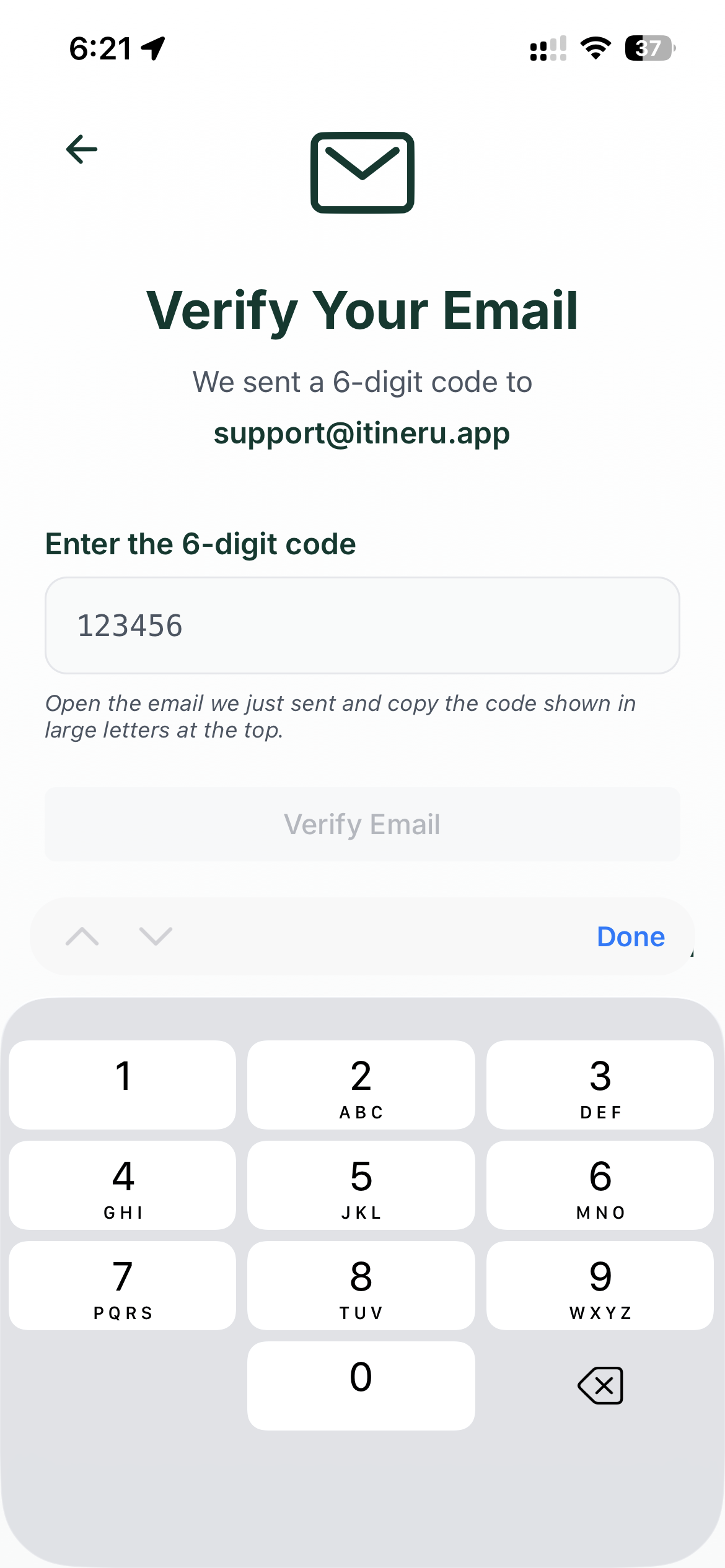
- Itineru emails you a 6-digit code. Type it in, and you are in.
None of the setup answers are set in stone. You can change all of them later under Profile, then Edit Profile.
Signing up with Apple or Google
On the sign-in screen, tap Sign in with Apple or Sign in with Google. There is no password and no code to type. The first time, Itineru asks you to pick a username and answer a few questions about what you enjoy, and then you are in.
If your Apple or Google account uses an email address that already has an Itineru account with a password, sign in with that email and password once, and Itineru connects the accounts automatically. After that, either way in works.
The code email has not arrived
- Check your spam or junk folder. The sender is Itineru.
- On the code screen, tap Resend. You can ask for a fresh code once a minute, and each new code replaces the old one.
- Make sure you typed your email address correctly. If it was wrong, go back and start again with the right one.
"An account with this email already exists"
That email is already registered. Head to the sign-in screen and log in, or use Resetting your password if you have forgotten it.
Your travel preferences
During setup, Itineru asks what you enjoy: the pace you like, the sort of places that interest you. These shape what it suggests. Change them any time under Profile, then Edit Profile, then Travel Preferences.
What happens next
You start on the free Explorer plan. To see what it includes, and what Itineru+ adds, go to Profile, then Settings, then Account, Plan and Billing. For a tour of the app itself, see Getting started.